
Typography
Heading 3 — Subsection
Body text at the default size. This is what most of an article looks like. It should be comfortable to read at length, with good line height and measure. Here is some bold text, some italic text, and a hyperlink for reference.
A second paragraph to judge spacing between blocks.
The gap between paragraphs should feel deliberate but not excessive.
Here is some inline monospace code to check sizing against body text.
Lists
Unordered
- First item in the list
- Second item, slightly longer to see how wrapping behaves on narrow viewports
- Third item with bold and link
Ordered
- Step one
- Step two
- Step three
Definition List
- Term One
- Definition for the first term. Should have comfortable indentation and spacing.
- Term Two
- A longer definition to see how multi-line content flows under the term. This should wrap gracefully and maintain readability.
- Term Three
- Short definition.
Figure — Floated (Current Style)
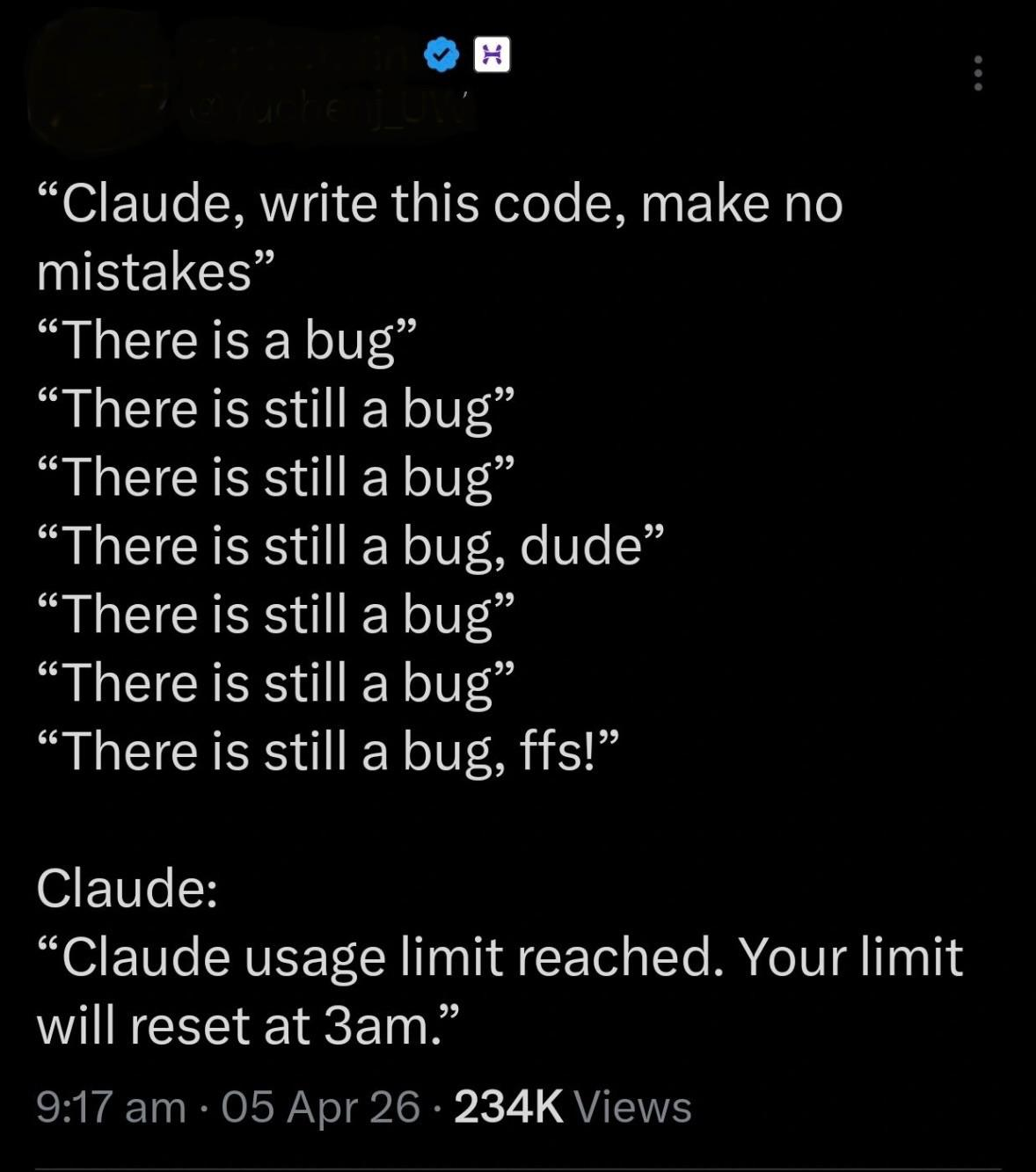
This paragraph wraps around the floated figure. The current style floats the image left with a polaroid-style border, background, and box-shadow. Check how text flows around it and whether the spacing feels balanced. The text should not feel cramped against the image, and the figure should not dominate the reading flow.
A second paragraph continuing the wrap. At some point the text clears the float and returns to full width. This transition should feel natural, not jarring.
A third paragraph to ensure the float has fully cleared. If this text is still wrapping, the figure might be too tall or the margin too aggressive.
Figure — Centered (Alternative)
This paragraph follows a centered figure. The figure sits on its own line, breaking the text flow cleanly. Compare this against the floated version above and decide which treatment fits the article aesthetic better.
Figure — Full Width
Text after a full-width figure. This variant uses the entire article column width. Good for hero images or diagrams that need breathing room.
Blockquote
These aren't just good practices anymore — they're required for agent reliability.
Text immediately after a blockquote to check margin/spacing.
Callout Box
This is a callout box. Used for important takeaways or asides that should stand out from the main text.
Text after a callout to check spacing.
Code Block
// Example code block
function assembleContext(goal, memories) {
    const relevant = memories.filter(m => m.relates(goal));
    return {
        goal,
        relations: relevant,
        assembled: Date.now()
    };
}
Text after a code block. The code should feel like a distinct element but not disconnect from the surrounding prose.
Table
| Cognitive Need | System Implementation |
|---|---|
| Binding mechanism | Goals |
| Declarative memory | Encoded and persisted facts and events |
| Central executive | Session initialization and goal selection |
| Episodic buffer | Context assembly |
Text after a table to verify spacing.
Horizontal Rule
Text before a horizontal rule.
Text after a horizontal rule.
Sources (Demo)
- Author, A. Title of Work (2024)
- Author, B. Another Work with a Longer Title to Check Line Wrapping (2025)
- Author, C. Third Source (2026)
Token Reference
- Font:
--font-main→ JetBrains Mono, monospace - Brand blue:
--jumbo-blue/--brand-blue→ #66B4F4 - Brand orange:
--brand-orange→ #F78200 - Cyan:
--brand-cyan→ #56C8D8 - Neutrals:
--neutral-50through--neutral-900 - Semantic text:
--color-text-main,--color-text-muted,--color-foreground - Backgrounds:
--color-background,--color-background-alt